

Settings → Email Preferences.
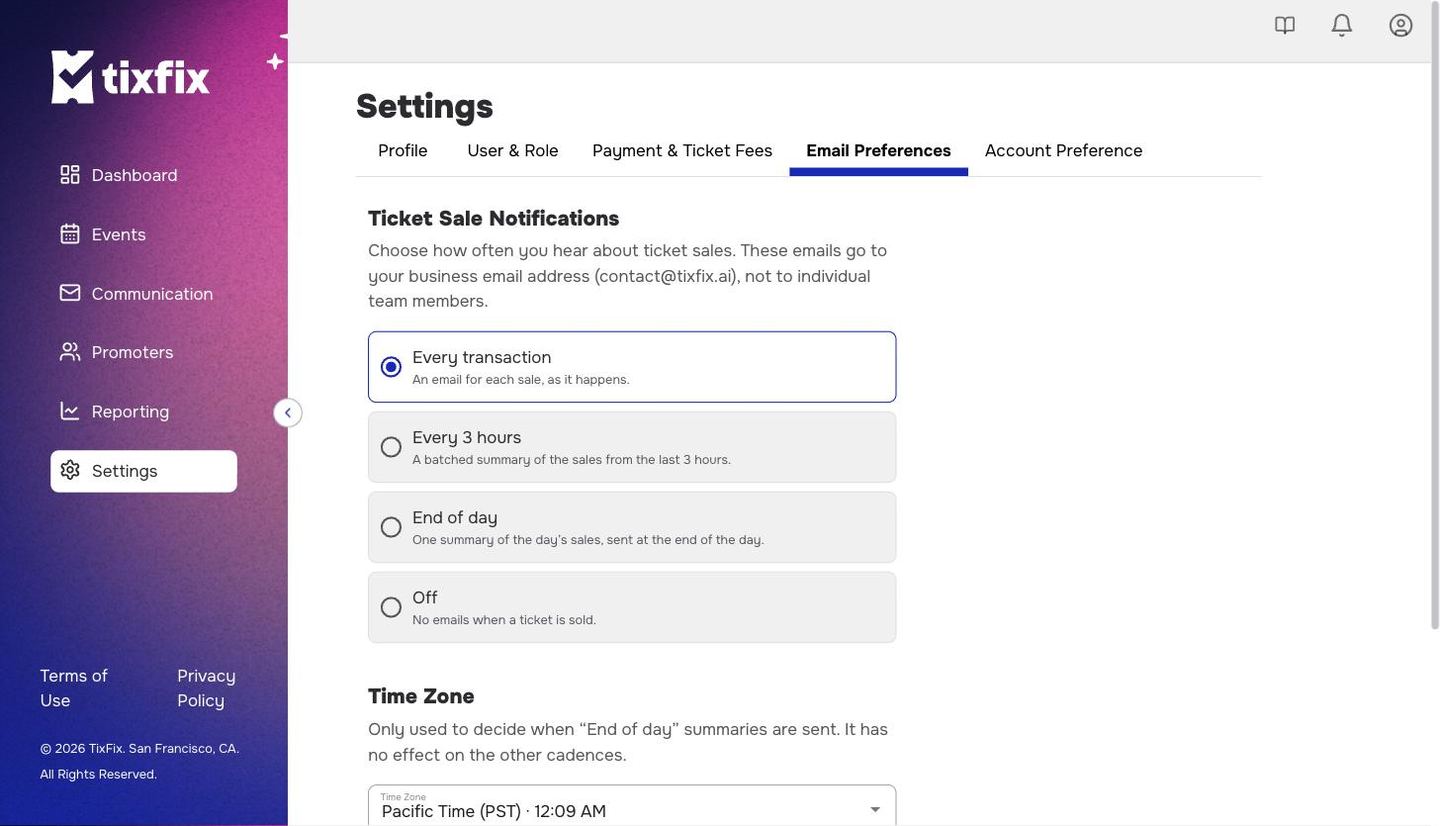
Settings → Email Preferences, showing the four sale notification cadences above the time zone control
These emails go to your business email address — the one on
Settings → Profile — not to individual team
members. Adding someone under Team & roles does
not subscribe them to sale notifications.
Choose a cadence
Pick one of four options underTicket Sale Notifications. The choice applies to your whole organizer account, not per event.
1
Go to Settings → Email Preferences
Click
Settings in the left sidebar, then the Email Preferences tab.2
Select a cadence
Click the option you want. The selected one is outlined.
3
Click Save
Nothing changes until you save.
Which one to pick
Every transaction suits a small event where each sale still matters, or the first days of an on-sale when you want to feel the demand. It becomes noise fast — a busy on-sale can mean hundreds of emails in an evening. Every 3 hours is the usual middle ground: you stay close to the numbers without a full inbox. End of day is enough once an event is simply ticking along, and it is the one to choose if you would rather read a single figure than watch a stream. Off does not affect anything else. Attendees still get their tickets, your team still gets the emails you send from the Communication portal, and the sales reports still update. You are only turning off the notification to yourself.Set your time zone
TheTime Zone control decides one thing: when “the end of the day” happens for the End of day summary.
It has no effect on the other cadences. Every transaction and Every 3 hours are driven by the sales themselves, not by the clock, so changing the time zone will not shift them.
TixFix shows the current time in the zone you have selected, along with a note about when the next daily summary will land. If your account is still on a default zone, a shortcut appears offering the zone your browser is in.
This setting is separate from an event’s own time zone, which you set on the
event itself and which controls when doors open for attendees. Changing one does
not change the other. See Event details.